
LearnPack has evolved. Now you can publish your packages in the cloud, so use can access them from anywhere, in any device. During this guide you'll learn how to publish your own LearnPack packages and start sharing them with your friends, colleagues, students and the whole world.
Prerequisites
- You must have a 4Geeks account. If you don't have one, you can create it here.
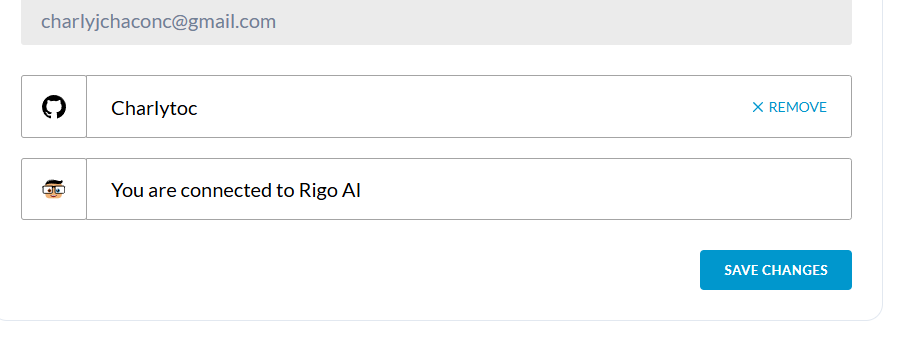
- Once you created an account, you need to accept the Rigobot invitation in your dashboard.
- You must have a Publisher permission in your 4Geeks dashboard. If you don't have it, you can request it by contacting support.
Publishing a package
-
Open your LearnPack package in your preferred environment, Gitpod, Codespaces or locally.
-
Check that you have the latest version of LearnPack installed by running
learnpack --versionin your terminal. All versions above the 4.0.17 are supported. If you don't have the latest version, you can update LearnPack by runningnpm i -g @learnpack/learnpack. -
Check the
learn.jsonfile to ensure that theeditor.versionhas a version equal or higher than 5.0. This will ensure that your package is compatible with the latest LearnPack editor, including the new features and improvements such as Login with GitHub, Session Management and new Dark Mode.
-
Run
learnpack publishin your terminal. -
Follow the instructions in the terminal to publish your package.
-
Done! Your package is now published and you can share it with anyone.